1. Download the free UXTheme Multipatcher, right-click on the file and select Extract All.... Follow the assistant and click on the file UXTheme Multi-Patcher (Neowin Edition) 4.0.  2. Hit Patch to apply the necessary changes. Confirm all the operations with OK (or Enable Service when asked to enable or disable the theme service) and restart your computer when finished. Note: Make sure that all your downloaded themes can be found under %Windows%\Resources\Themes! 3. Right-click on your desktop and select Properties. Go to the Appearance tab and select your style (Windows and buttons). Hit OK to apply the theme. 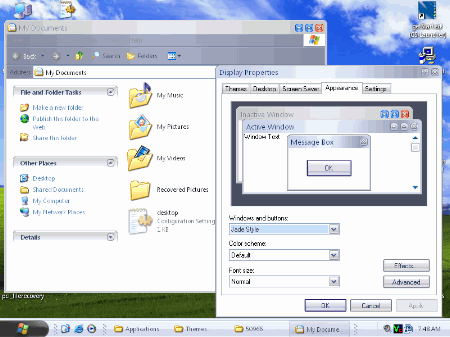 Congratulations, you have successfully installed your own visual styles without the use of an extra tool! |