Many experienced user wish to gain a deeper insight into the underlying Windows core. They wish to control more features (especially the startup procedure) and see more connections between files and functions. 1. To control every aspect of the Windows startup, you need to download the Startup Mechanic and start it. Go directly to the System scan section and disable/enable every startup item that you would want to prevent from loading up.  2. After having the total control over your startup procedure you might want to know more about the operations of your computer: The experts from sysinternals.com have developed a number of tools that let you do just that. Weve picked the tools for you: - Diskmon: Monitors every single activity on your hard disk... 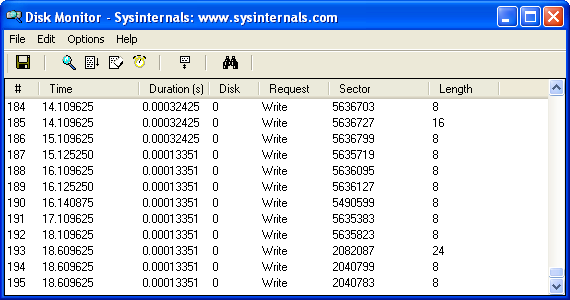 - Filemon: Monitors the activity of the currently running files/tasks.... 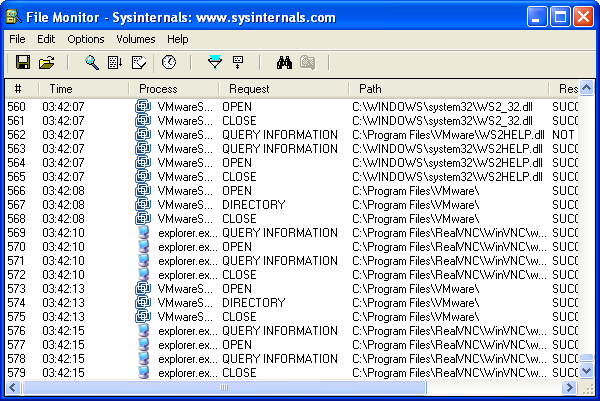 - ProcessExplorer: Shows the path and other information about the currently loaded processes... 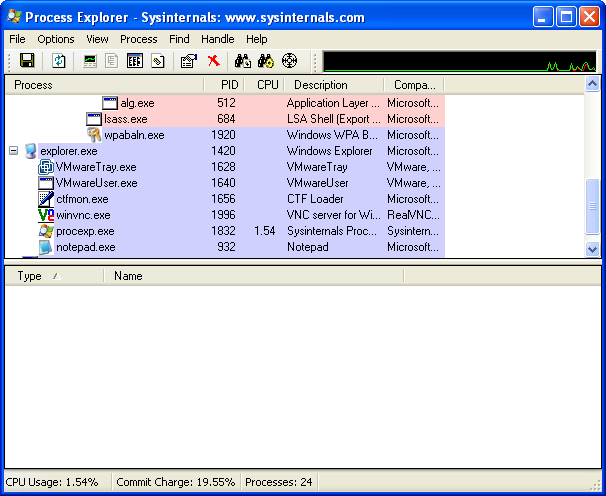 - DiskView: Shows you a map of your hard disk and tells you exactly which files is located in which cluster... 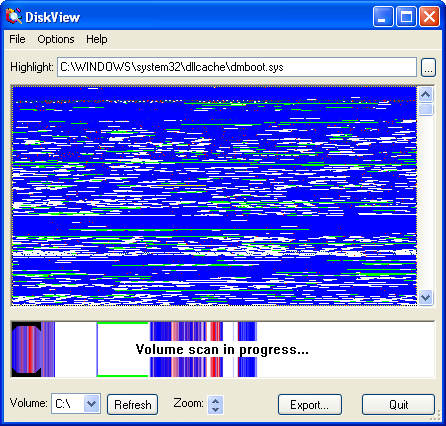 There are many other tools available at sysinternals.com so we recommend you take your time and browse through this great (freeware) page. | 


