


Quick overview:
Windows 11 is constantly evolving, and 2026 will bring exciting new features designed to enhance the user experience. These innovations are crucial for increasing the system's efficiency and ease of use.
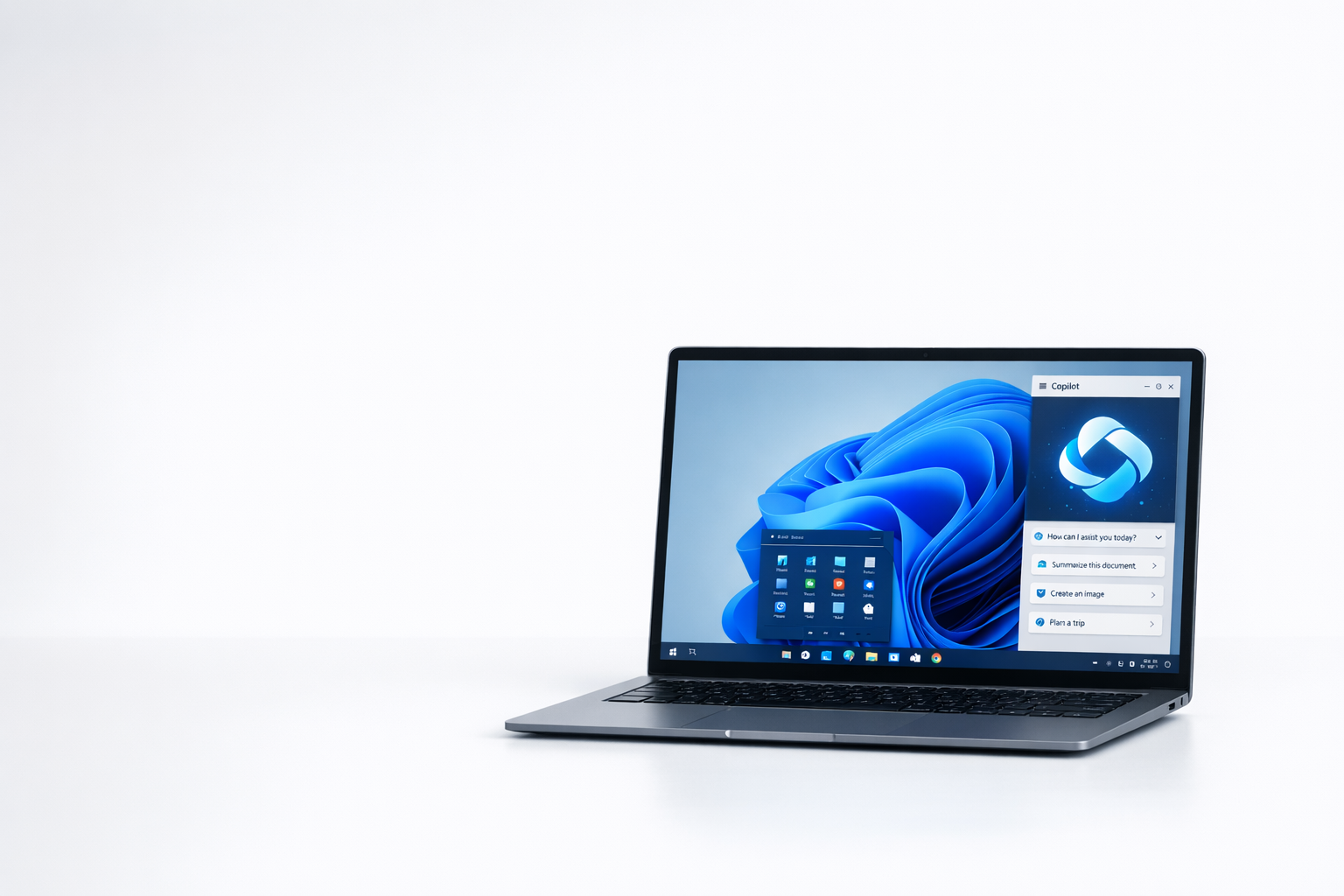
One of the most notable new features is Windows 11 Copilot, which acts as an intelligent assistant to help users navigate and use the system. This feature is particularly useful for users who want a seamless and intuitive interaction with their operating system. For more information, visit Ghacks Germany.
Bazoom AI
What is Windows 11 Copilot?
Windows 11 Copilot is an integrated feature designed to personalize and optimize the user experience. It offers contextual support and can automate tasks that previously had to be performed manually. This includes adjusting system settings, managing notifications, and providing real-time suggestions based on user activities.
By using AI technologies, Copilot can recognize patterns in user behavior and proactively offer solutions to increase productivity. This feature is especially helpful for users who spend a lot of time at the computer and want to make their workflows more efficient.
An essential aspect of Windows 11 Copilot is its ability to seamlessly integrate with various Microsoft services and applications. For example, the assistant can directly access cloud storage, manage emails, and coordinate calendar events without the user having to switch between different programs. This central control function makes Copilot an indispensable tool for modern work environments where multitasking and fast response times are crucial. The intuitive user interface also allows less tech-savvy users to easily utilize advanced features.
New features in 2026
In 2026, the Windows 11 Copilot will be equipped with a range of new features that make the system even more user-friendly. One of the most important additions is the improved voice control, which allows users to give complex commands using natural language. This feature significantly facilitates interaction with the system and is particularly useful for users with limited mobility.
Another significant innovation is the integration of advanced security features that improve the protection of personal data. The Copilot can detect potential security threats and warn the user in real time to prevent data loss.
In addition to the improvements already mentioned, Microsoft is also introducing an adaptive learning function in 2026 that allows Copilot to continuously adapt to users' individual working styles and preferences. This intelligent adaptability means that the assistant will be able to make increasingly precise suggestions over time and automatically optimize frequently used workflows. In addition, advanced multitasking support will be implemented, making it possible to coordinate and prioritize multiple complex tasks simultaneously. These features help ensure that Windows 11 becomes not just an operating system, but a true digital work partner.
Benefits of the new features
The new features of the Windows 11 Copilot offer numerous benefits to users. The improved voice control enables hands-free operation of the system, which increases productivity and enhances user-friendliness. The advanced security features provide additional protection against cyber threats, which is of great importance, especially in today's digital world.
Furthermore, contextual support ensures that users can access required information more quickly, which improves the efficiency of their workflows. These developments show that Microsoft is continually working to improve the user experience and meet the demands of modern technology.
How you can benefit from the new features
To fully leverage the benefits of the new Windows 11 Copilot features, users should ensure their system is up to date. Regular updates ensure that all new features and security enhancements are implemented. In addition, it is advisable to familiarize oneself with the new functions and integrate them into the daily workflow to maximize productivity.
Using advanced voice control and contextual support can significantly simplify your workday and help you work more efficiently. By actively using the new features, you can unlock the full potential of your Windows 11 system and enjoy a seamless user experience.

On Windows Tweaks you will find time-saving tech guides for PC, software & Microsoft. For a stress-free digital everyday life. Already We have been tweaking Windows since 1998 and just don't stop!

 Deutsch
 English