


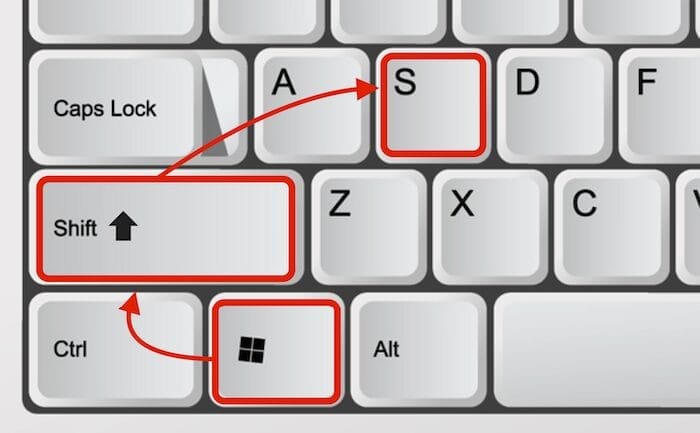
This is the best key combination for a PC screenshot: WINDOWS + SHIFT + S (Image: WINDOWS TWEAKS)
- Crashes & freezes: The swap file works as virtual RAM in Windows 10 / 11 and can cause problems with your PC performance.
- Adjust & set size: Get simple instructions on how to increase and set your swap file in the Advanced system settings if the automatic management by Windows 11 or Windows 10 is not sufficient, for example for gaming and video editing.
- Risky deactivation & downsizing: Prevent a swap file that is too small or deactivated from slowing down or crashing your PC.
- SSD tips: Benefit from fast SSDs and avoid unnecessary hard disk fragmentation.
Quick overview:

Our editorial team's articles focus on digital entertainment: tips, trends, and tricks for anyone who wants to get more out of the internet, technology, and gaming – presented in an easy-to-understand format.

Hello & welcome 👋
On Windows Tweaks you will find time-saving tech guides for PC, software & Microsoft. For a stress-free digital everyday life. Already We have been tweaking Windows since 1998 and just don't stop!
On Windows Tweaks you will find time-saving tech guides for PC, software & Microsoft. For a stress-free digital everyday life. Already We have been tweaking Windows since 1998 and just don't stop!
New Windows Guides

