


Quick overview:
As you have already read in the article Brand new Windows XP designs, there are various sites such as www.themexp.org brand new Windows XP Themes, which can completely change the appearance of your user interface. Until now you needed the program StyleXP from TGTSoft, but this will be superfluous from now on: With a revised Windows XP system file, it is possible to install the themes without additional software, which is subject to a charge.
Up until now, installing this system file has always been a cumbersome process that usually ended in technical difficulties for inexperienced users. The administrator of the well-known Windows XP forum http://winxp.hilfebullet.de/ has taken the initiative and created a special program that we would like to present to you:
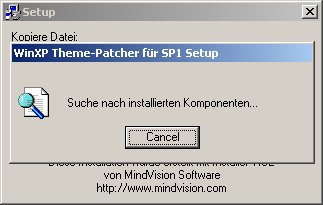
Style XP Themes - the ThemeXP patch2
This small and handy tool replaces the uxtheme.dll file from Windows XP with a modified version that contains all the styles available on the global data network.
Download for Style XP Themes here: Windows XP Help Bulletin
Please note that you need Windows XP Service Pack 1 to be able to use the ThemeXP-Patch2.
Big comment: I would like to take this opportunity to thank Benedikt Geyer, deputy editor of the tuning editorial team, for this tip. Style XP Themes and continue to spur him on to such achievements.

On Windows Tweaks you will find time-saving tech guides for PC, software & Microsoft. For a stress-free digital everyday life. Already We have been tweaking Windows since 1998 and just don't stop!

 Deutsch
 English